
The Evolution of Passwords From Keys to Passkeys: What Makes A Strong Password Strong
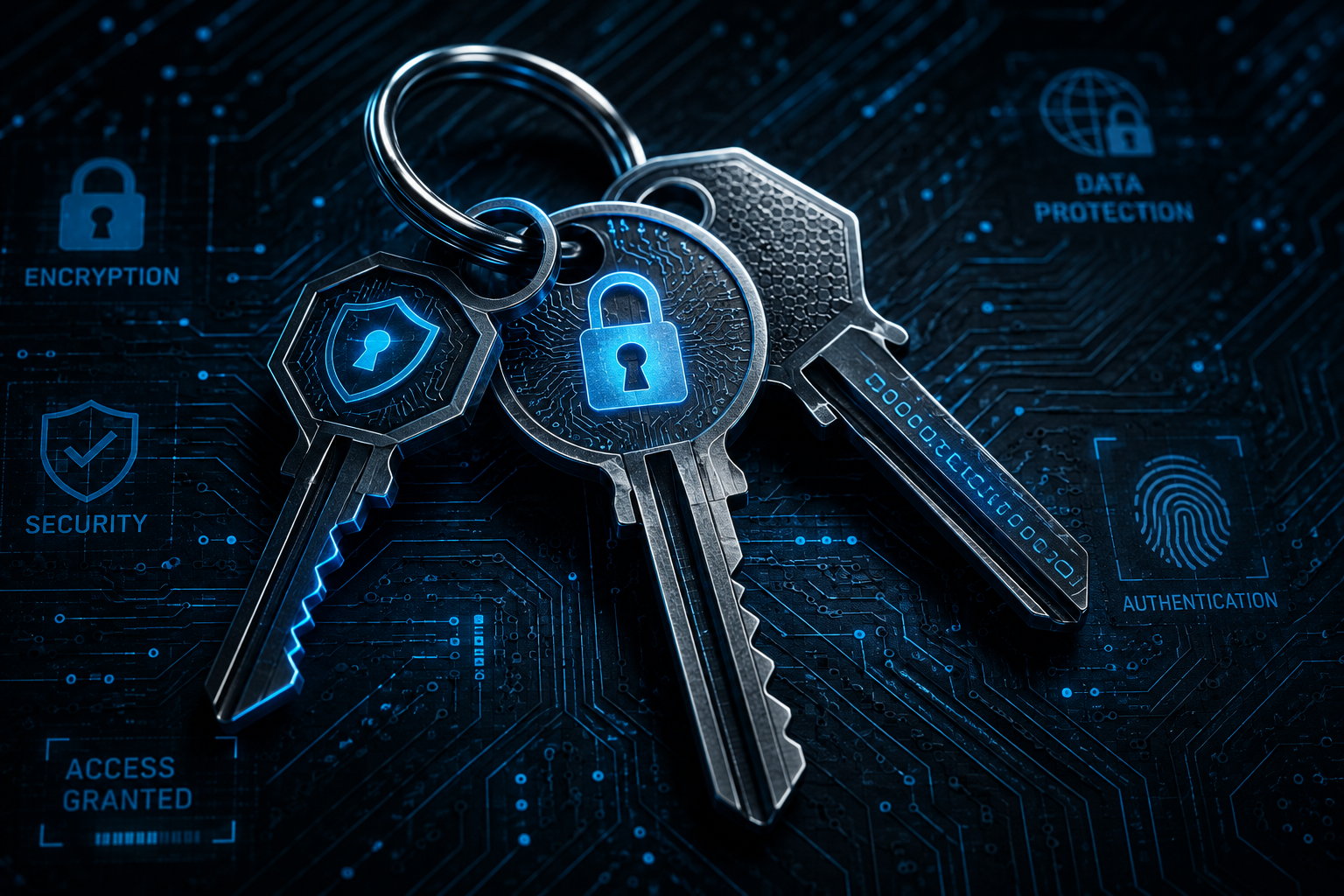
Every day we rely on passwords to access our email, bank accounts, work systems, and online services. But what actually makes a strong password strong? To answer that, we need to look at the history of authentication—from ancient locks and keys to modern passkeys and biometric security.
The Beginning: Keys and Locks
Long before computers existed, people protected valuables with physical locks. Ancient Egyptian pin-tumbler locks laid the foundation for many designs still used today. As locks became stronger, attackers developed better lock-picking techniques, beginning a continuous cycle of stronger security followed by more advanced attacks.
Electronic Locks and PIN Codes
Electronic locks introduced PIN codes for homes, businesses, ATMs, and alarm systems. They were convenient and easy to change, but short and predictable PINs remained vulnerable to guessing and observation attacks.
Passwords Enter the Digital Age
With the rise of computers and the internet, passwords became the standard method of authentication. Unfortunately, reusing the same password across multiple websites made credential stuffing one of the most common cyberattacks.
Password Managers
Password managers generate and securely store unique passwords for every account, eliminating the need to remember dozens of different credentials.
Multi-Factor Authentication (MFA)
MFA adds another layer of security by requiring a second form of verification, such as an authenticator app, fingerprint, or hardware security key.
Biometrics and Passkeys
Modern authentication increasingly relies on biometrics and passkeys, which use cryptographic keys instead of shared passwords, providing better protection against phishing.
What Makes a Strong Password?
Length
Use at least 12–16 characters whenever possible.
Uniqueness
Every account should have its own password.
Randomness
Avoid names, birthdays, and predictable words.
Complexity
Use uppercase, lowercase, numbers, and symbols.
Password Managers
Generate long, unique passwords automatically.
Enable MFA
Always pair strong passwords with Multi-Factor Authentication.
| Weak Password | Strong Password |
|---|---|
| Dog123! | BlueCoffee!River27Lamp |
| Short | 12–16+ characters |
| Reused | Unique for every account |
| Predictable | Random |
| No MFA | Protected with MFA |
The Future of Authentication
Authentication continues to evolve toward passkeys and biometrics, but long, unique passwords combined with password managers and MFA remain one of the strongest practical security strategies.
Final Thoughts
A strong password is long, unique, unpredictable, and protected with multiple layers of security. Good password habits significantly reduce the risk of unauthorized access.